 PET SIMULATOR 99
Play now
Home / Pet Simulator 99 controls
Pet Simulator 99 controls
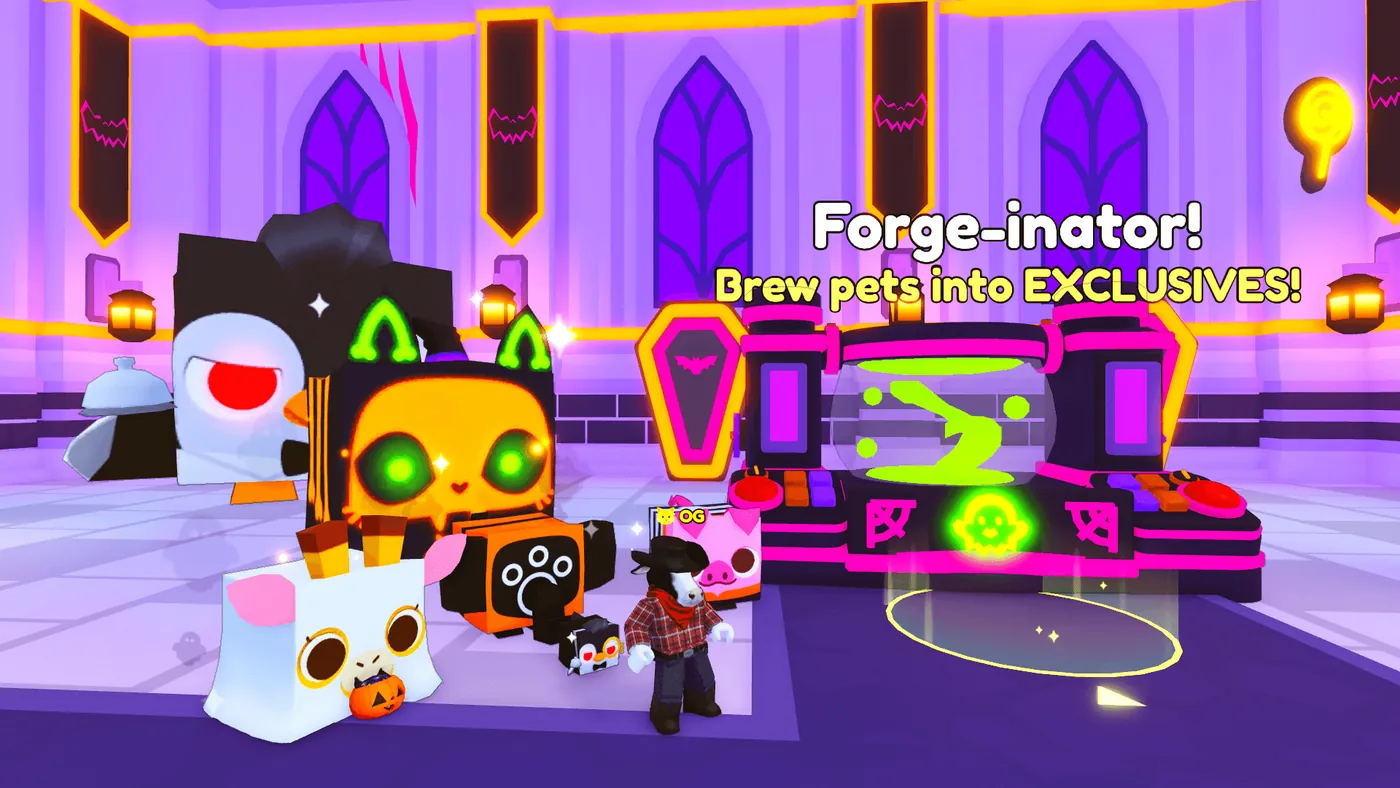
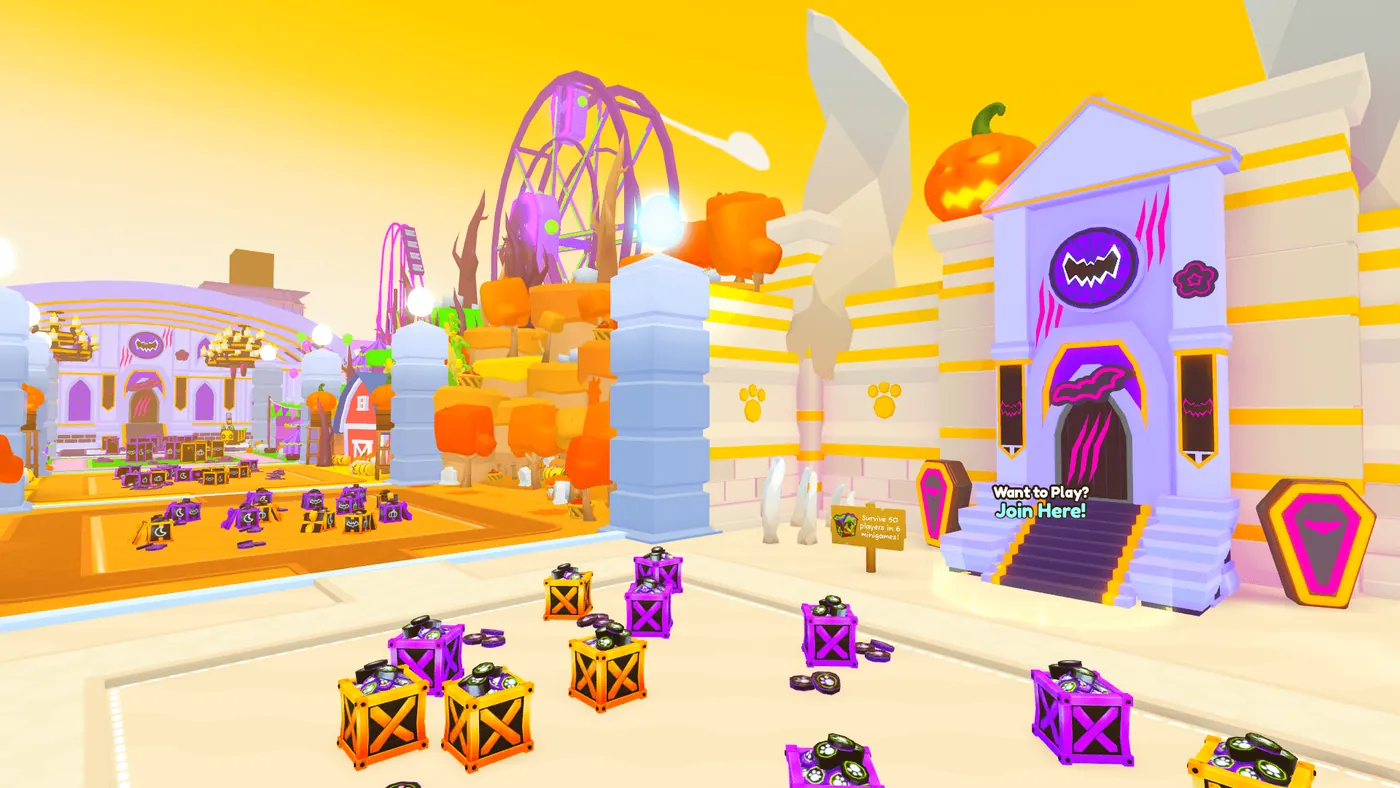
People search the UI because the screen is busy: eggs, pets, a shop button, and a row of boosts. This page is the layout a player sees. It is not a script menu. I will not name injectors or show a loadstring.
GINX’s 19 July 2024 keybind guide describes assigning inventory items to keyboard shortcuts. It is an older third-party interface guide, not official documentation of every current screen. The shop’s product-code route and the current Official Merch purchase button are separate paths. Use the shop FAQ for current merch eligibility and direct DLC delivery.
Older screenshots can differ from the current interface. The official merch FAQ names the Official Merch button beside Exclusive Shop. Check the panel title and the action you need; an unfamiliar layout alone does not identify a script overlay.
- For the published keybind route, open Pets, then Settings, then Keybinds → Edit.
- Choose Add Bind, select an inventory item and confirm it.
- Select Unbound, press the key or key combination, then Save. This route is documented by GINX’s dated guide; device and update layouts may differ.
Use the screen for the task you need
| Manage pets | Pet inventory | Read the full name and variant before equipping or trading. |
| Redeem an older merch code | Exclusive Shop → Redeem Merch → Redeem Codes | Use the product instruction; the current merch FAQ describes direct in-game DLC purchases separately. |
| Buy current official merch | Official Merch button beside Exclusive Shop | The shop FAQ names this button and explains its regional eligibility. |
| Follow progress | Rank goals or Mastery board | Stars belong to rank goals; Enchants mastery has its own level. |
A screenshot can come from a different update or device. Compare the panel title and the action you want before following its button positions. An unfamiliar panel alone does not prove cheating; a download asking you to install an executor or paste a script is the relevant warning sign.
Questions
Where is the redeem button?
On the shop page path: bottom button, Exclusive Shop, Redeem Merch, Redeem Codes.
Do you publish a script UI?
No. Only the game's own screens.
Sources
- GINX keybinds — checked 2026-11-02
- Shop codes — checked 2026-11-02
- Roblox cheating policy — checked 2026-11-02
- BIG Games merch FAQ — checked 2026-11-02